
Find Assets Faster: Introducing Visual Search on CGAxis
After months of work behind the scenes, we’re thrilled to unveil a major update to the CGAxis website. At the heart of it is something we’ve been dreaming about for years: a brand-new search engine with true image-based search. Alongside it comes a significantly improved text search and a smarter filtering system – all designed to get you to the right asset in seconds.
If you’ve been using CGAxis for a while, you know that finding the perfect texture, model, or HDRI in a library of over 12,000 assets can sometimes feel like looking for a needle in a haystack. We’ve been listening to your feedback, and we decided it was time to rethink discovery on CGAxis from the ground up. Here’s what’s new.
Search by Image – Finally
We all know the feeling. You have a reference photo from a client, a screenshot from a film, a mood board image, or a render you stumbled across online, and you need the perfect texture or 3D model to match. Until now, that meant translating a visual idea into words and hoping the right keywords would surface the right asset.
Not anymore.
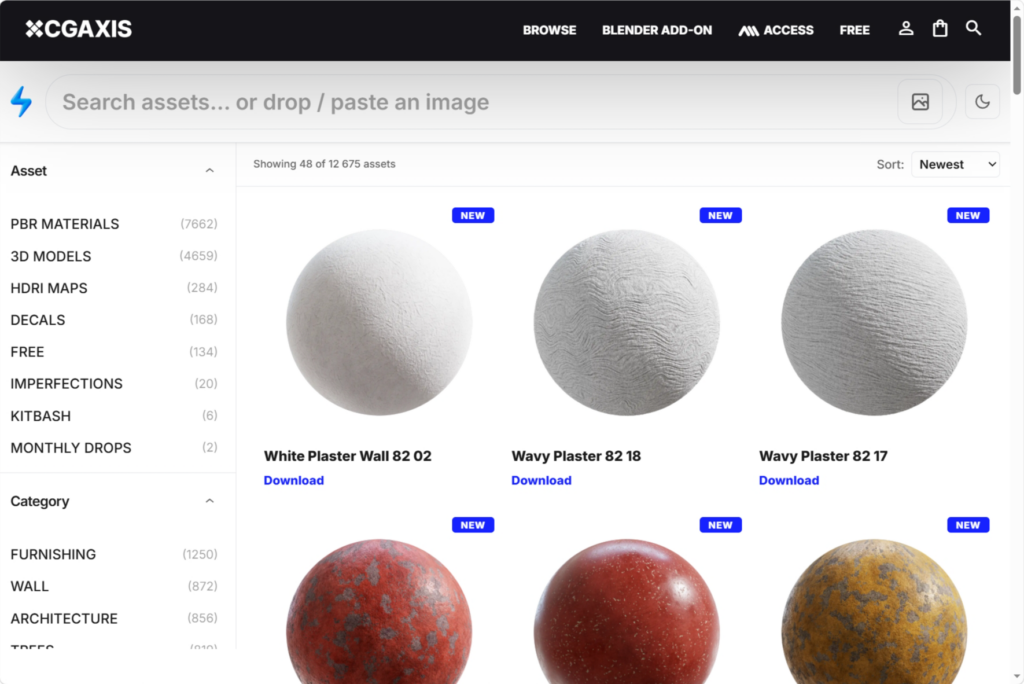
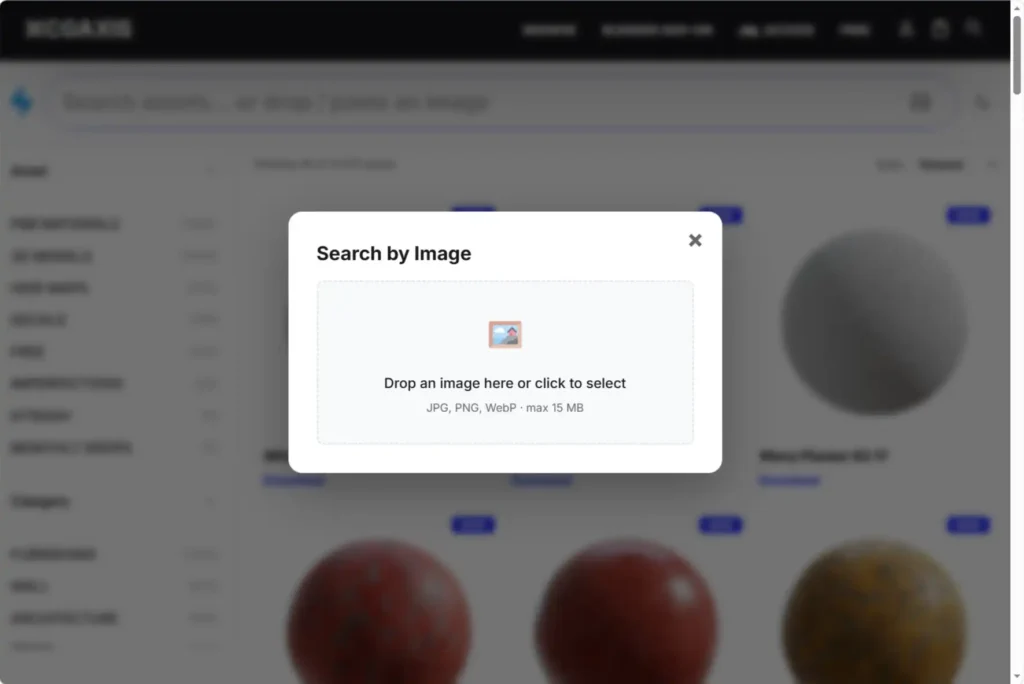
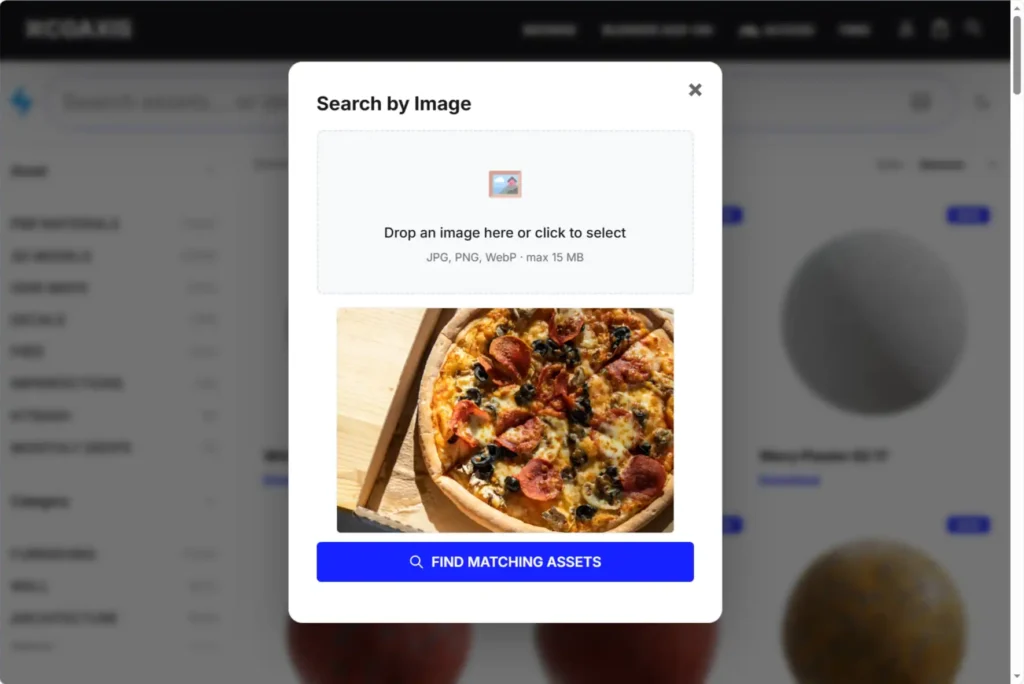
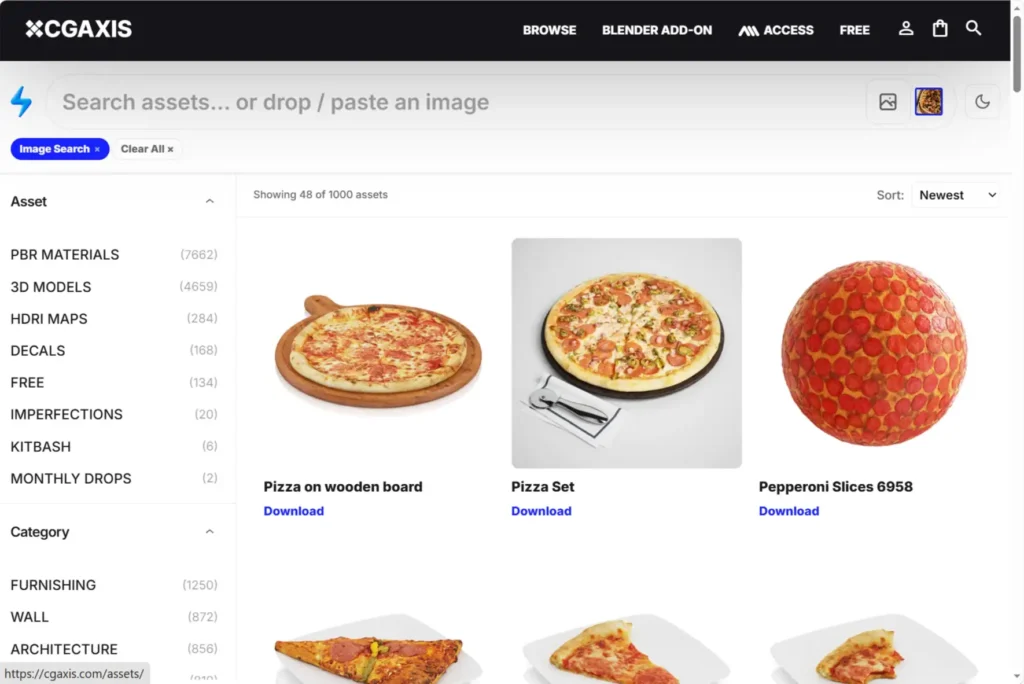
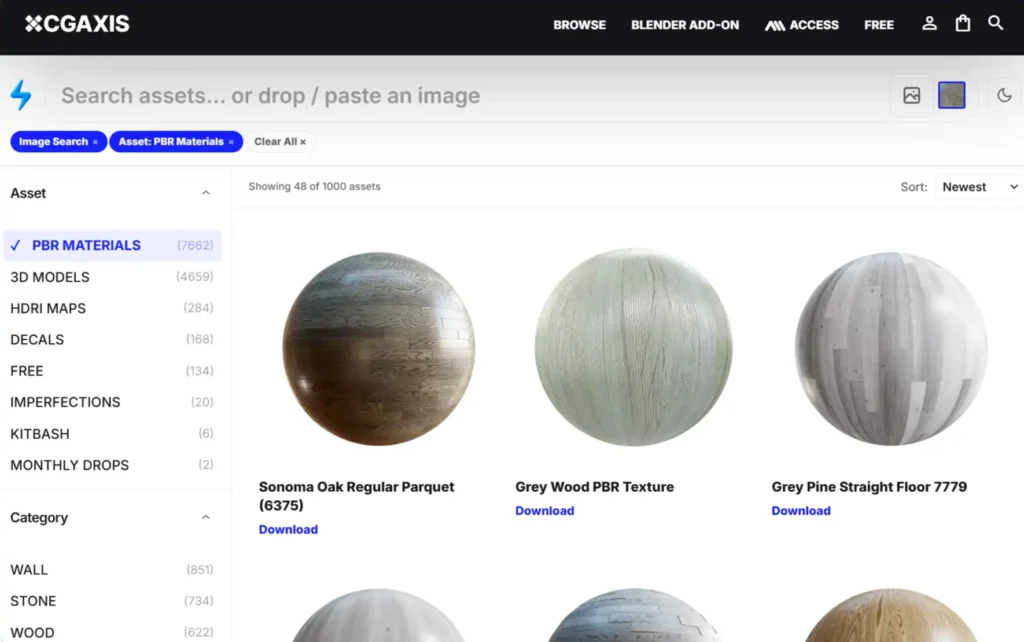
Just drop an image into the search bar and CGAxis finds visually similar assets across our entire library. You can:
- Upload a photo from your computer
- Drag and drop any image directly onto the page
- Paste an image from your clipboard using Ctrl+V (or Cmd+V on Mac)
Under the hood, this is powered by a visual AI model that understands the actual content of images – materials, shapes, colors, lighting, textures – not just filenames or tags. If you’ve ever used reverse image search on Google, think of this as the same idea, but trained specifically for 3D production workflows. Upload a photo of a weathered brick wall, and you’ll get brick textures, stone variations, and related surfaces. Upload a reference of a Scandinavian interior, and you’ll see assets that match that aesthetic – even if nobody ever tagged them with that exact phrase.
This is a genuine game-changer for anyone working with client references, concept art, or film stills. No more guessing the right search terms. No more scrolling through dozens of results to find something that actually matches the vibe.
Text Search That Actually Gets You
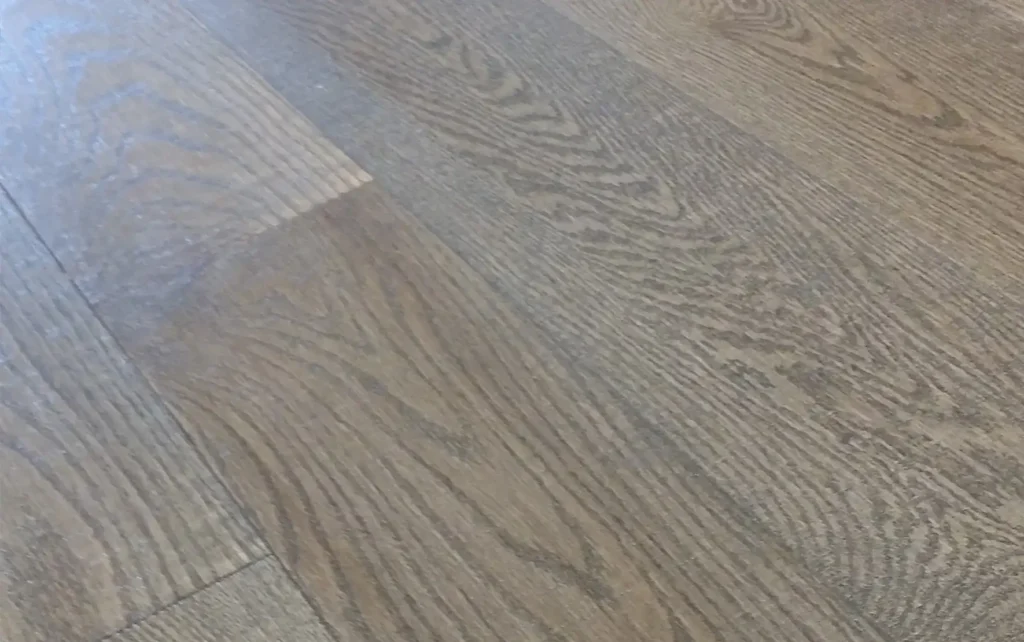
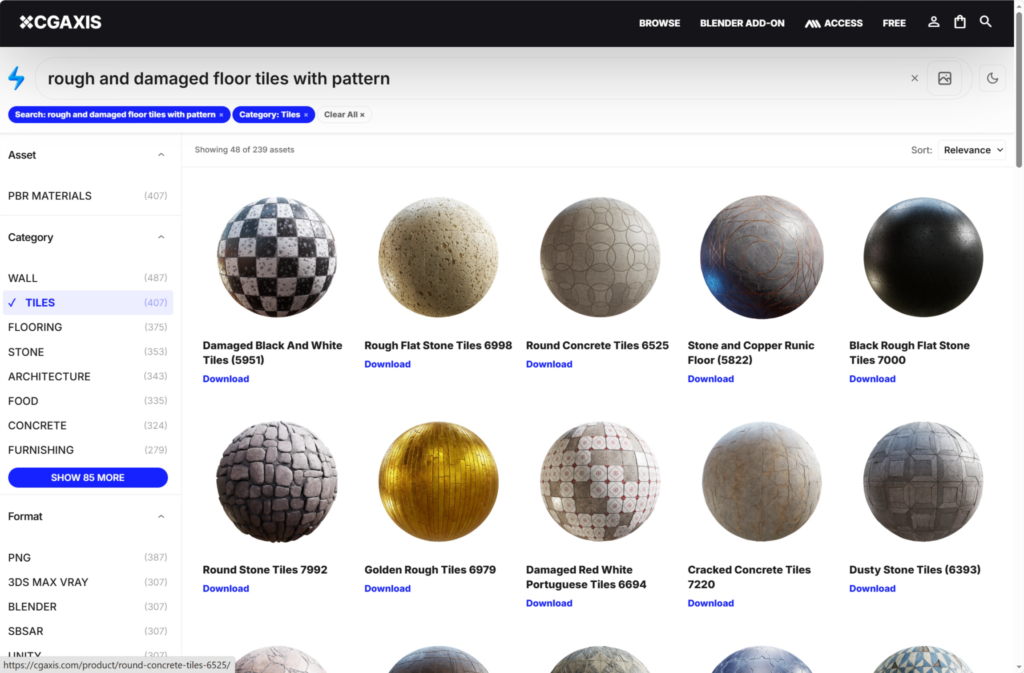
Our classic text search has been completely rebuilt from the ground up. Results are now more precise, more relevant, and ranked intelligently based on how well each asset matches your query. Whether you’re hunting for “weathered concrete,” “oak parquet,” “brutalist interior,” or “red brick alley,” you’ll notice the difference immediately.
Behind the scenes, we’re combining semantic understanding with traditional keyword matching – which means the search actually understands what you mean, not just what you type. Synonyms work. Related concepts work. Typos are forgiven.
Smarter Filters, Less Clicking
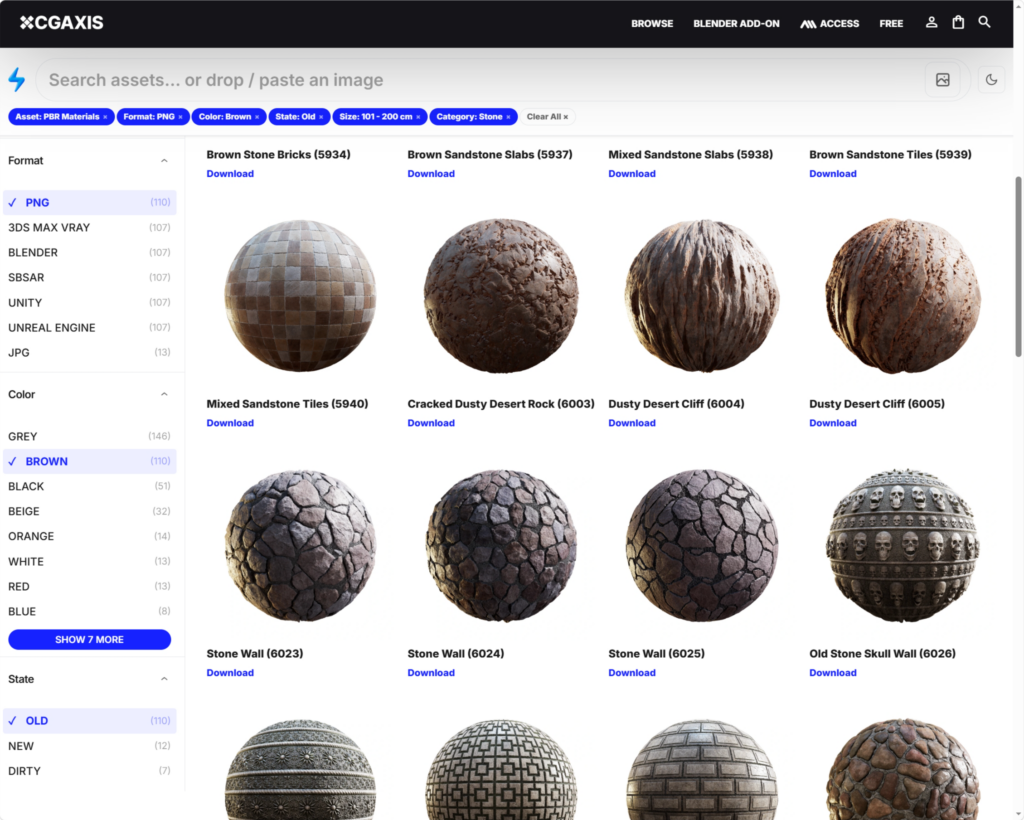
We’ve rebuilt the filtering system too. You can now narrow results by category, format, resolution, and more – all without the page reloading and losing your scroll position. Filters update results instantly, so you can iterate quickly and zero in on exactly what you need.
Looking for only 8K textures? One click. Only Blender-ready models? One click. Need PBR assets with specific maps? A few clicks and you’re there. Find what you need in fewer steps, and spend more time creating instead of hunting.
Built for the Way You Actually Work
We built these features because we use CGAxis ourselves – and we know what slows you down when you’re on deadline. Every part of this update is aimed at one thing: getting you from “I need an asset” to “I have the right asset” as fast as possible.
For studios, this means faster previsualization and turnaround. For freelancers, it means less time searching and more time billing. For hobbyists and students, it means discovering assets you didn’t even know existed – because visual similarity surfaces things that keyword search would never find.
Try It Now
The new search is live right now at cgaxis.com. Head over, drop an image into the search bar, and see what turns up. We think you’ll be surprised by what the library already contains – and how quickly you can find it now.
This is just the beginning. We have more updates planned for the coming months, including expanded AI-powered tools, new asset categories, and deeper integrations with your favorite 3D software. Stay tuned.
As always, we’d love to hear what you think. If you run into anything that could work better – or if you discover a workflow that blows your mind – let us know. Your feedback shapes what we build next.
Happy creating.